Explore SureSync Pro

Meet SureSync: A File Sync Solution Trusted By Thousands of Businesses

suresync-logo

Streamlined File Synchronization and Replication Across Every Location

Managing data across multiple systems and locations shouldn’t slow your team down. SureSync helps IT teams ensure fast, secure, and reliable access to the right files, whether stored on-premises, across offices, or in the cloud. With a flexible, scalable suite built to match your environment, SureSync empowers your team to move data with confidence, reduce risk, and stay productive.

Complete the form to get started with a free guided demo. 

Start Your Trial

Why SureSync?

SureSync helps you efficiently manage, automate, and monitor data throughout your network. Here’s how:

Centralized Management

Easily manage your entire file sync environment from a single interface, eliminating the need to switch between systems.

Automated File Replication

Keep files in sync automatically using customizable schedules and real-time updates, removing the need for manual input.

Reliable Status Monitoring

Stay informed with real-time sync visibility using Enterprise and Detailed Status tools.

Flexible Product Options

Adapt SureSync to your exact needs by combining tools that fit your environment and workflows.

Unlimited Data, One Price

Avoid unpredictable costs, pay per server, not per gigabyte, no matter how much data you move.

Compare SureSync Product Suites

SureSync® Pro

Real-time, 24×7 file replication & synchronization for mission critical data via TCP/IP connectivity.

Start Your Trial Now
  • Remote Differential Compression (RDC)
  • 24/7 Automation
  • Basic Monitoring & Alerts

SureSync® MFT

A powerful next-generation managed file transfer solution that solves modern data management challenges.

Take Control of Your Data
  • File Locking, Backup, Archiving, Synchronization & Replication
  • 24/7 Automation – UNC Paths
  • Advanced Monitoring & Alerts
Compare all features

SureSync® Pro

SureSync MFT™

Replication & Synchronization Features

Server-to-Server

pricing yes icon
pricing yes icon

Remote Differential Compression (RDC)

pricing yes icon
pricing yes icon

TCP/IP Transmissions

pricing yes icon
pricing yes icon

File Locking

pricing no icon
pricing yes icon

End User Locking Status

pricing no icon
pricing yes icon

File Backup & Archiving

pricing no icon
pricing yes icon

Server to server

pricing yes icon
pricing yes icon

Automation

Scheduled

pricing yes icon
pricing yes icon

Real Time (24/7)

pricing yes icon
pricing yes icon

Real Time (24/7) - UNC paths

pricing no icon
pricing yes icon

Monitoring

Synchronization/Replication Status

pricing yes icon
pricing yes icon

Email Alerts

pricing yes icon
pricing yes icon

Advanced Synchronization/Replication Status: View current and pending backlog

pricing no icon
pricing yes icon
Features

SureSync Makes Data Management Simple for Growing Enterprises

SureSync’s features will help you synchronize files between PCs or multiple servers and can be customized to fit a specific project or all your data management needs.

Server-to-server in SureSync Standard; additional Remote Differential Compression (RDC) and TCP/IP transmission options with SureSync Pro.

Scheduled processing in SureSync Standard; added real-time 24/7 option in SureSync Pro.

Synchronization/replication status monitoring and email monitoring alerts are available with both SureSync Standard and SureSync Pro.

Automate SQL backups and control jobs from a web browser with SureSync SQL Protection and SureSync Status Web.

Score Your Current Solution

Find the File Management Solution that Works for You

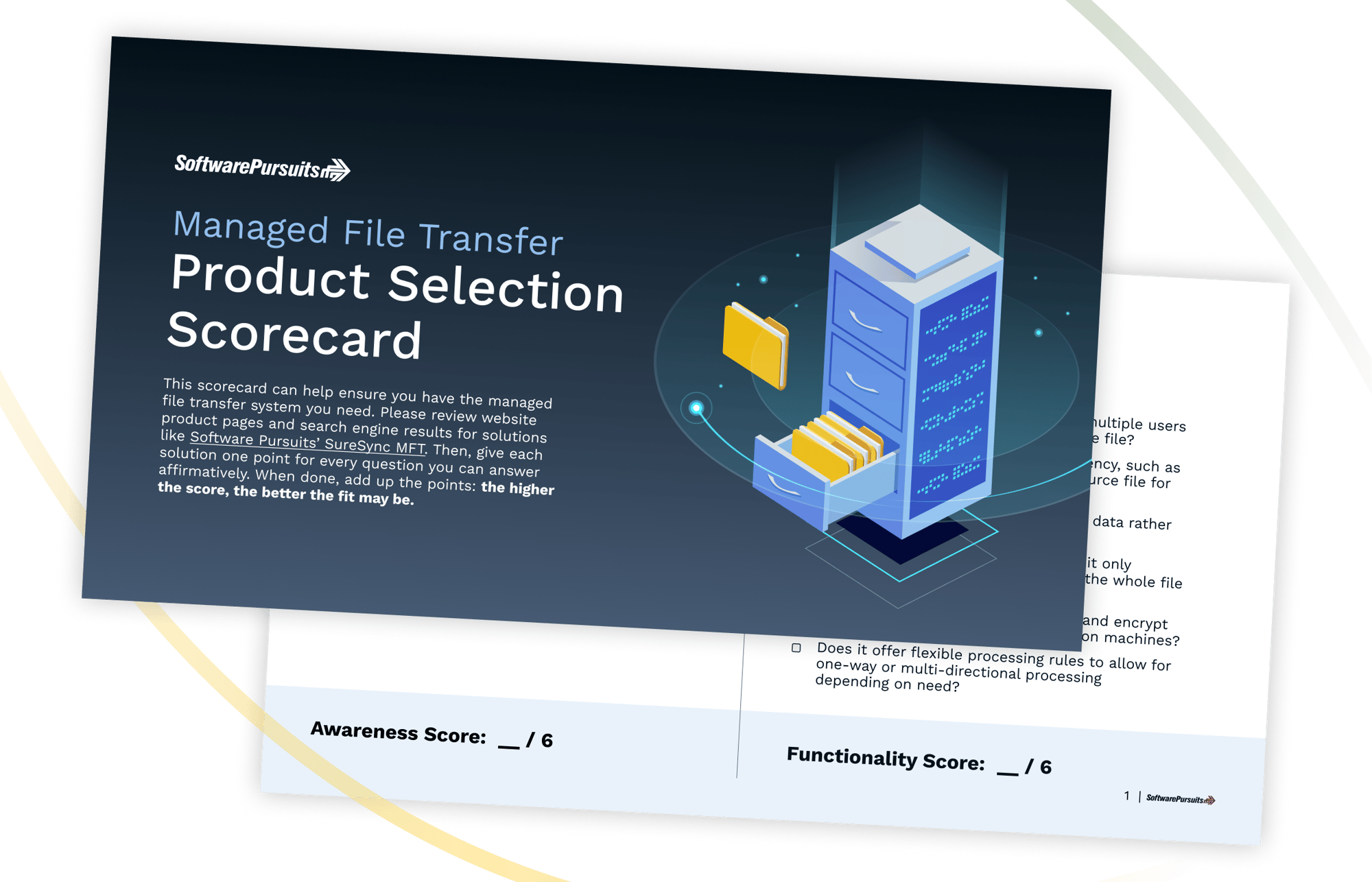
Slow file transfers can cost you money and productivity. Does your file management solution improve your business – or complicate things? The Software Pursuits’ scorecard can help you decide.


 

MFT_Checklist_Thumb
Frame 1296

SureSync Resources

Get Started With a Free Demo of SureSync

Complete a guided demo with our file synchronization experts and you'll gain access to a FREE 30-day trial of SureSync.

Frequently Asked Questions

What is the difference between SureSync Pro and SureSync MFT?

SureSync Pro is designed for real-time file replication and synchronization across servers, sites, and storage locations. It is a strong fit for organizations that need automated file movement, remote differential compression, TCP/IP transmission, and basic monitoring for mission-critical file environments.

SureSync MFT includes those core synchronization and replication capabilities, then adds managed file transfer functionality for more complex environments. That includes file locking, advanced status visibility, enhanced monitoring, archiving, backup support, and stronger control over enterprise file activity.


When is SureSync Pro enough?

SureSync Pro may be enough when the primary need is reliable file synchronization or replication between servers, remote offices, or storage locations. It is especially useful when IT teams need real-time or scheduled processing, automated file movement, and basic visibility without the added managed file transfer features of SureSync MFT.

Organizations should consider SureSync MFT when they also need file locking, more detailed reporting, archiving, or tighter control over multi-location collaboration.


Does SureSync support real-time synchronization?

Yes. SureSync Pro supports real-time, 24/7 file replication and synchronization for mission-critical data. SureSync and MFT support real-time file processing, along with scheduled processing options for environments that need more control over when files move.

This helps organizations keep file copies current across servers, offices, and storage destinations without relying on manual updates.

How does per-server pricing work?

SureSync is priced by server rather than by user count, data volume, or the amount of data being moved. This gives organizations a more predictable cost structure because pricing is tied to the number of servers involved in the environment.

For growing teams, this can make budgeting easier because adding more users or moving more data does not automatically create usage-based cost increases.